# Company Profile
> Learn how to set up and customize your company profile on VIDEOJOBS.
Source: https://docs.videojobs.io/company-profile
> For the complete documentation index, see [llms.txt](https://docs.videojobs.io/llms.txt).
# Company Profile
Once you have filled your company profile, you can start posting job ads instantly. To do this, you need to create a job ad. You can create a job ad by clicking on the **Create Job Ad** button on the top right corner of the page.
```
https://www.videojobs.io/company-page-url
```
The company profile can be used as a canvas to showcase your company's culture, values, and mission. It shows the collection of job ads that are posted by the company.
## Predefined Information
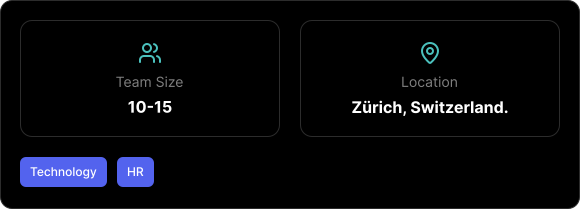
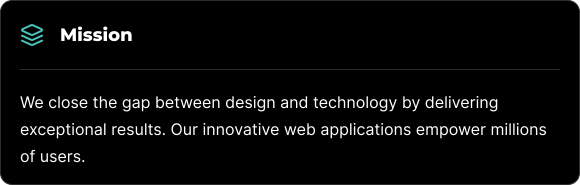
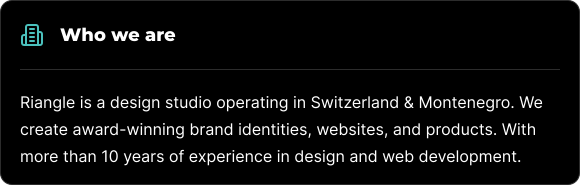
The following information can be changed from the [Account](/account) page:
- Company Profile Image
- Company Name
- Company Page URL
- Company Website
- Location
- Team Size
- Bio
- Mission

## Create a Job Ad
To create a job ad, click on the **Add Job** button on the Jobs Block.
## Editing
You can edit the Company Profile by clicking the **Edit** button on the bottom right corner of the page, in the Action Bar.
If you are in Editing mode, a **Save** button will appear on the Action Bar at the bottom of the page. Clicking on this button will save the changes made to the Company Profile.
## Cover Image
When in Edit mode you can add or modify the cover image. The cover image will be used as a preview image for the Company Profile. It will be visible on the Company Profile page.

**Recommended size:** 1440x360 | **Aspect ratio:** 4:1
## Company Profile Blocks
The Company Profile, same as the [Job Ads](/job-ads), can be personalized to your company's needs using the VIDEOJOBS Blocks.
- [Text Block](/text-block)
- [Image Block](/image-block)
- [Video Block](/video-block)
- [Button Block](/button-block)
- [Benefits Block](/benefits-block)
- [Team Block](/team-block)
- [Contact Person Block](/contact-person-block)
- [Location Block](/location-block)
- [Reusable Blocks](/reusable-blocks)
Learn more about creating job ads, with all its features.
Learn more about Blocks, with all its features.