# Contact Person Block
> Learn about the Contact Person Block for highlighting job contacts in VIDEOJOBS.
Source: https://docs.videojobs.io/contact-person-block
> For the complete documentation index, see [llms.txt](https://docs.videojobs.io/llms.txt).
# Contact Person Block
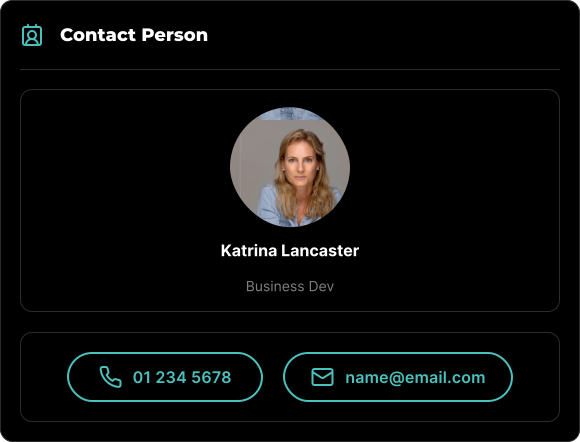
The Contact Person Block is an element specifically designed to highlight the individual responsible for the job ad. This block allows you to include a profile image, name, and title, along with contact details such as a phone number and email address, so candidates can easily reach out.
## Edit Mode
In edit mode, you will see some additional options available to you.
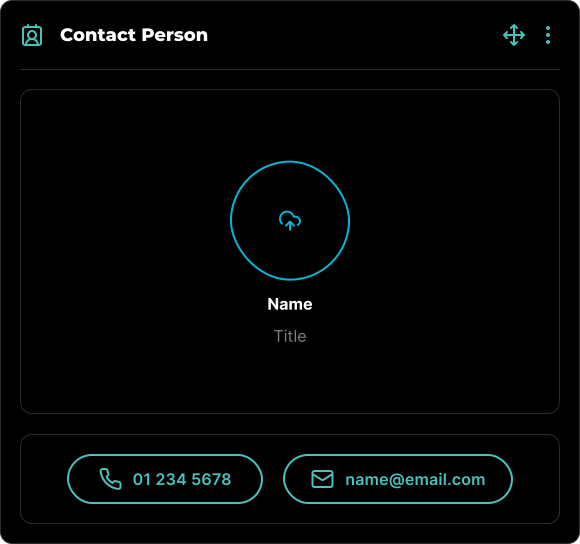
All blocks, including Contact Person Blocks, can be visually rearranged using a simple drag-and-drop interface via the icon. This allows for easy organization and customization of your content layout.
## Block Options
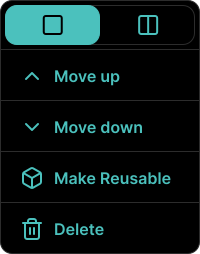
Each block comes with a set of features accessible through the three-dot icon located in the top right corner. This icon is visible when the block is in Edit mode, among other scenarios.
### Available Options
Within the block's options menu, you can:
- Toggle between half-width or full-width block.
- Move the block up.
- Move the block down.
- Make the block reusable for future use.
- Delete the block if it's no longer needed.
Learn more about Location Block, with all its features.
Learn more about Reusable Blocks, with all its features.