# Embed Image Blocks
> Learn how to share and embed individual image blocks from VIDEOJOBS.
Source: https://docs.videojobs.io/embed-image-blocks
> For the complete documentation index, see [llms.txt](https://docs.videojobs.io/llms.txt).
# Embed Image Blocks
Each Image Block can be shared and embedded independently wherever it is posted. You can easily integrate your gallery of images into your website or share it on social media.
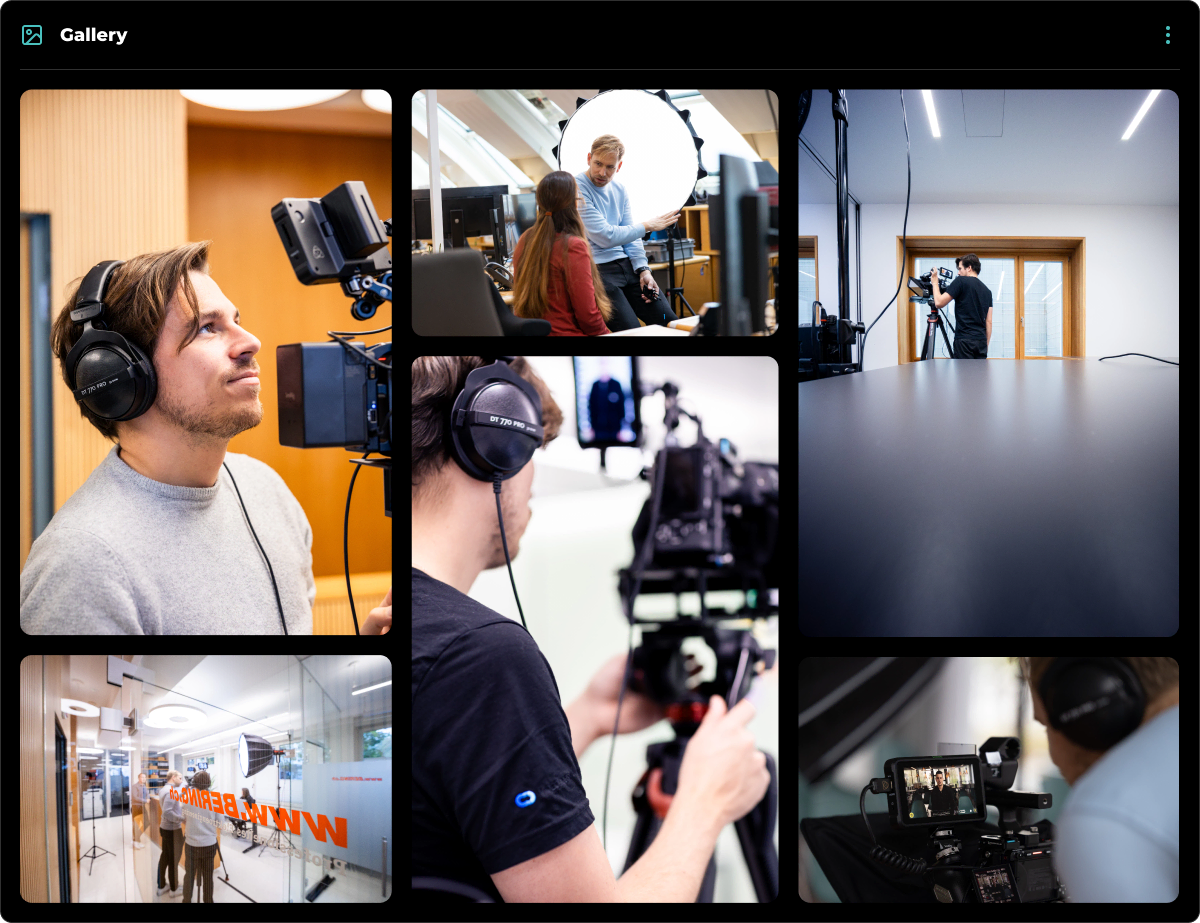
## How to Integrate an Image Block
Go to the desired Image Block you want to share.
Click the **Share** button located in the top right corner.
An interface will appear, providing you with sharing options, including an embed code.
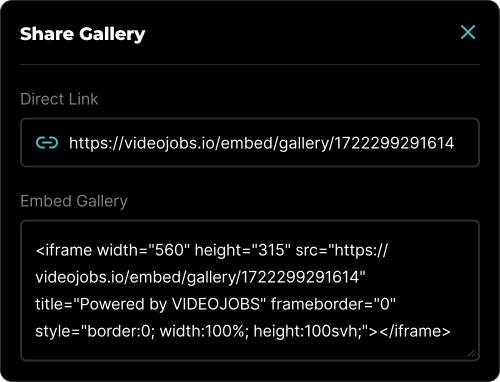
### Sharing Options
- **Direct Link:** This option will give you a direct link to the image gallery.
- **Embed Image:** This provides the code necessary to embed the chosen image block on any website.
Learn more about Account, with all its features.
Learn more about Team Accounts, with all its features.