# Location Block
> Learn about the Location Block for displaying Google Maps locations in VIDEOJOBS.
Source: https://docs.videojobs.io/location-block
> For the complete documentation index, see [llms.txt](https://docs.videojobs.io/llms.txt).
# Location Block
The Location Block integrates a Google Map to display a specific location. Simply type the address and select it from the auto-suggest list. You can adjust the map's zoom level using the Options Menu.
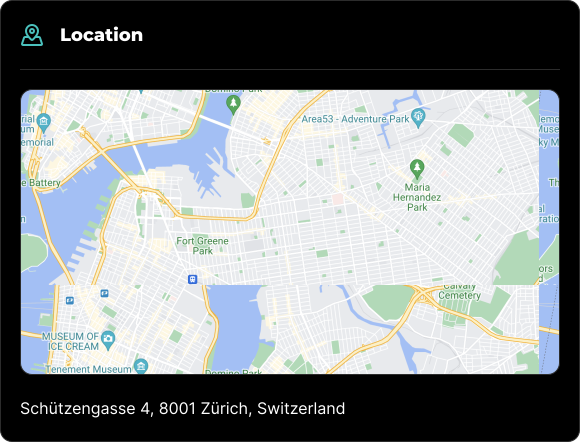
## Edit Mode
In edit mode, you will see some additional options available to you.
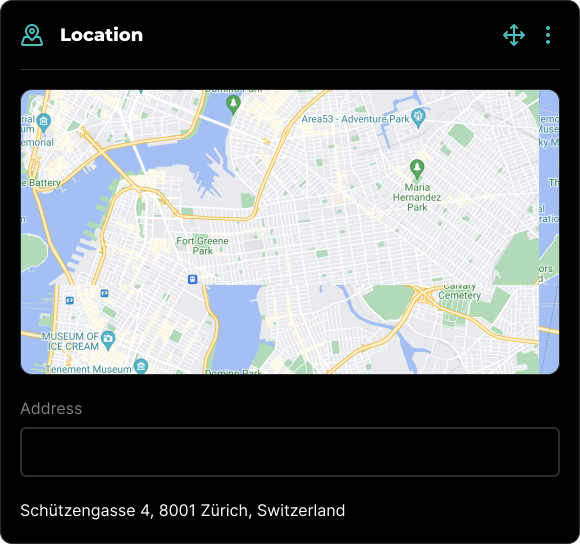
You type the address in the input field below the map. A list of suggested addresses will appear as you type. You can select an address from the list and the pin will automatically move to the selected location.
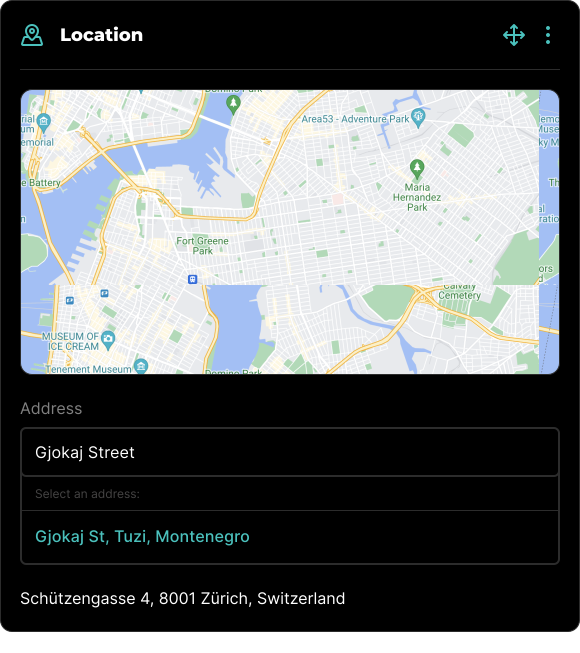
All blocks, including Location Blocks, can be visually rearranged using a simple drag-and-drop interface via the icon. This allows for easy organization and customization of your content layout.
## Block Options
Each block comes with a set of features accessible through the three-dot icon located in the top right corner. This icon is visible when the block is in Edit mode, among other scenarios.
### Available Options
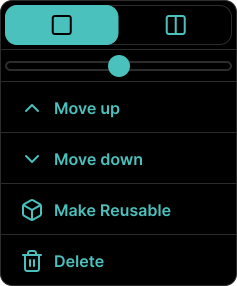
Within the block's options menu, you can:
- Toggle between half-width or full-width block.
- Slider to adjust the map zoom level.
- Move the block up.
- Move the block down.
- Make the block reusable for future use.
- Delete the block if it's no longer needed.
Learn more about Reusable Blocks, with all its features.
Learn more about Integrations, with all its features.