# Reusable Blocks
> Learn how to create and manage reusable blocks across your VIDEOJOBS content.
Source: https://docs.videojobs.io/reusable-blocks
> For the complete documentation index, see [llms.txt](https://docs.videojobs.io/llms.txt).
# Reusable Blocks
A Reusable Block can be any type of block, such as a gallery, video, or any other block you'd like to use multiple times. To make a block reusable, select the option from the Block Options Menu. You can then add this reusable block from the list whenever needed.
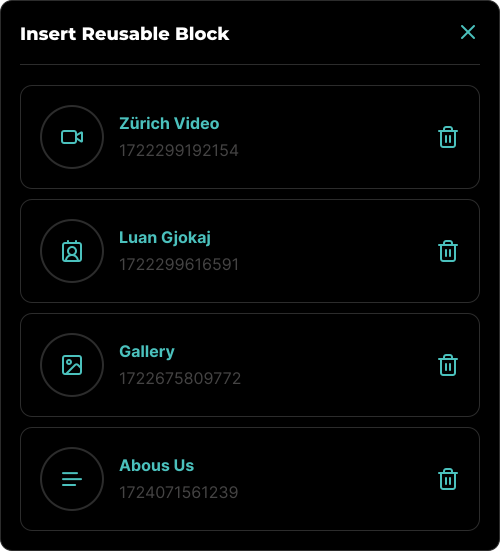
To delete a Reusable Block, click the Trash icon on the desired block. This will permanently delete the block along with any associated media. If this block was part of a content block, the media linked to it will be broken upon deletion.
Once a Reusable Block is inserted into your content, it behaves like any other block. However, unlike regular blocks, the media associated with a Reusable Block does not get deleted when the block is removed from the content. To delete the associated media, you must delete the block from the Reusable Blocks Modal.
Learn more about Integrations, with all its features.
Learn more about how you can Embed on Job Boards.