

Reusable Blocks
A Reusable Block can be any type of block, such as a gallery, video, or any other block you'd like to use multiple times. To make a block reusable, select the option from the Block Options Menu. You can then add this reusable block from the list whenever needed.
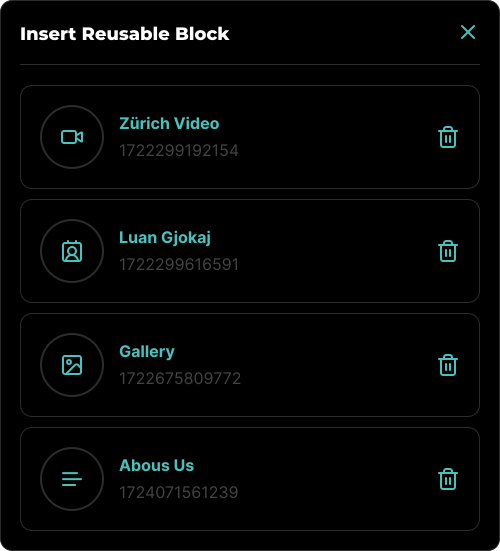
To delete a Reusable Block, click the Trash icon on the desired block. This will permanently delete the block along with any associated media. If this block was part of a content block, the media linked to it will be broken upon deletion.
Once a Reusable Block is inserted into your content, it behaves like any other block. However, unlike regular blocks, the media associated with a Reusable Block does not get deleted when the block is removed from the content. To delete the associated media, you must delete the block from the Reusable Blocks Modal.