Text Block
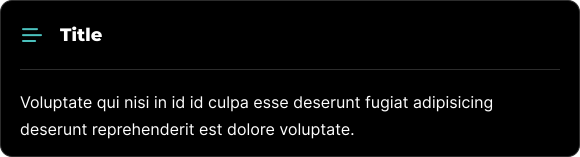
The Text Block is a fundamental element that enables you to create and manage blocks of text.
Edit Mode
In edit mode, you will see some additional options available to you.
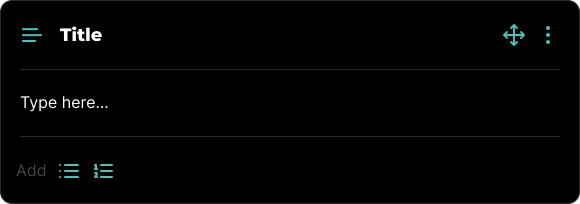
Within a Text Block, you have the flexibility to format content with unordered or ordered lists using the and icons.
All blocks, including Text Blocks, can be visually rearranged using a simple drag-and-drop interface via the icon. This allows for easy organization and customization of your content layout.
Block Options
Each block comes with a set of features accessible through the three-dot icon located in the top right corner. This icon is visible when the block is in Edit mode, among other scenarios.
Available Options
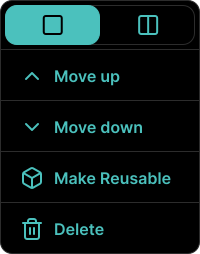
Within the block's options menu, you can:
- Toggle between half-width or full-width block.
- Move the block up.
- Move the block down.
- Make the block reusable for future use.
- Delete the block if it's no longer needed.